The Quran on your TV, made simple.
Pick a reciter. Pick a surah. Press play. Read along in Arabic, Dhivehi and English while the recitation plays on the big screen, verse by verse.

Finding the Quran on a TV shouldn't be a search.
On most TVs the Quran means opening YouTube and hunting.
- Typing a surah and a reciter with the TV remote, every time.
- Scrolling past ads, recommendations and videos that aren't what you wanted.
- Playlists that stop, jump, or end in the middle of something else.
- Recitation with no translation you can follow, or none in Dhivehi.

QuranTV makes it three presses.
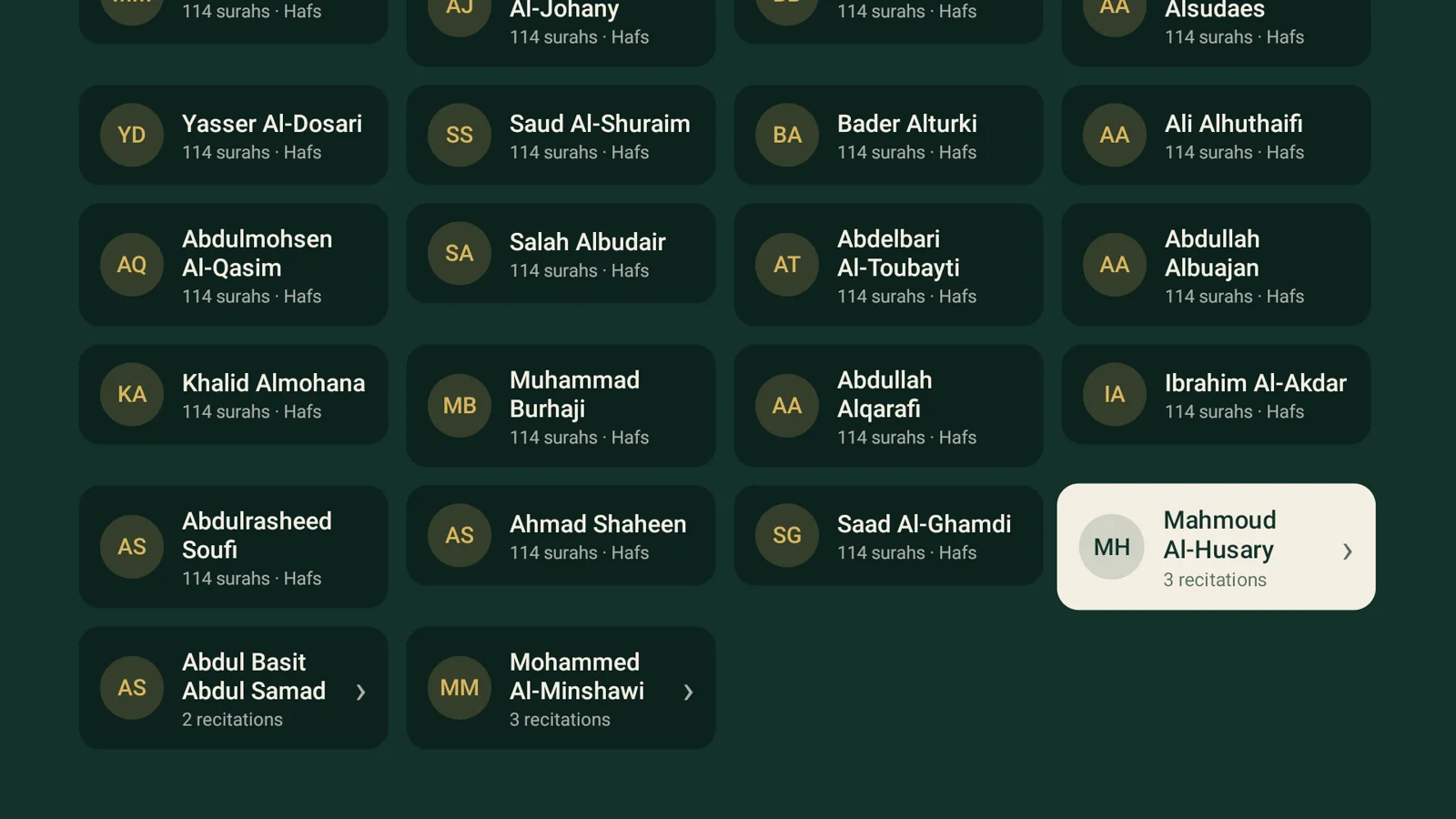
Choose a reciter
50 reciters, with Husary, Abdul Basit and Minshawi in more than one style.
Choose a surah
All 114 surahs, with the calligraphy of each name. Or type its number.
Press play
It plays straight away, and the next time you open it, it picks up where you stopped.
Al-Ikhlas, recited by Husary, read in Bakurube's translation.
From the home screen to the verses following the recitation. As each verse is recited, its Arabic, word-by-word meaning and translation appear.
Recorded on the TV. Turn the sound on to hear Mahmoud Al-Husary's recitation.
Everything you need, nothing that gets in the way.
50 reciters, 55 recitations
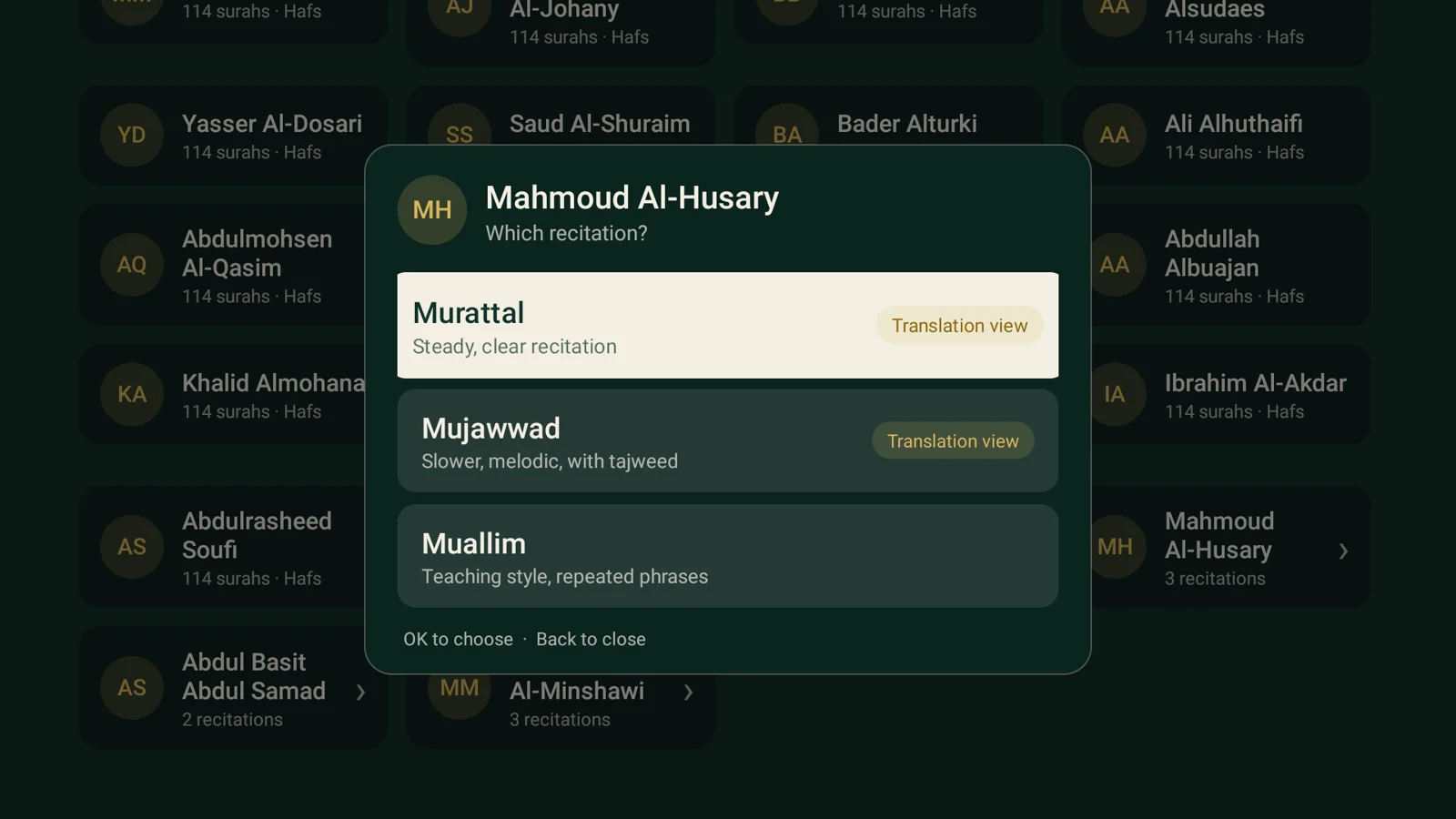
Every recitation has all 114 surahs. Husary, Abdul Basit and Minshawi come in several styles: Murattal, Mujawwad and Muallim. Choosing one asks which you'd like.
Verses that follow the recitation
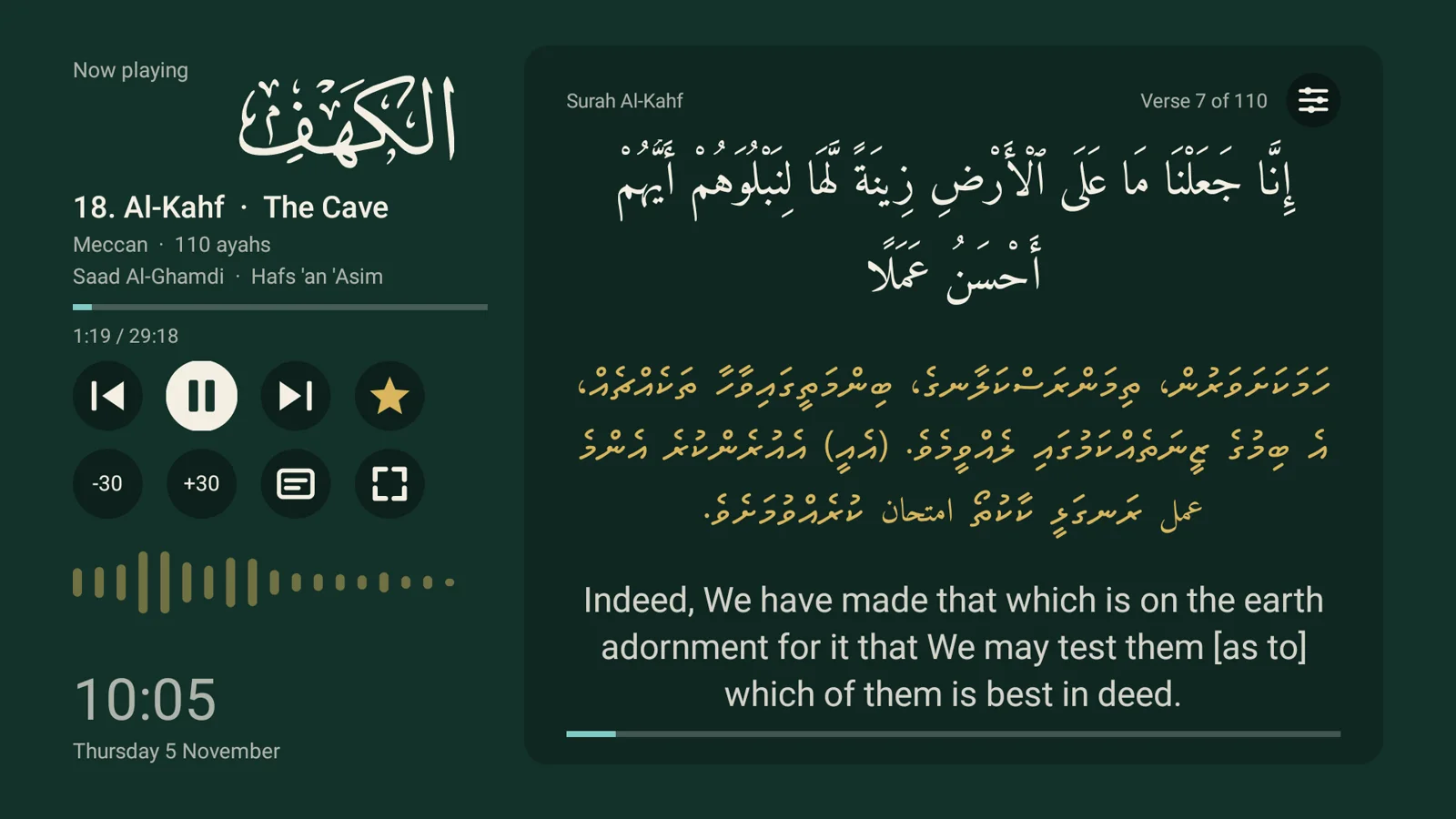
The translation panel moves to each verse as it is recited, in Arabic, Dhivehi and English, or in any of 12 more languages you download in Settings. Verse timing is available for 49 of the 55 recitations.
Word by word, in Dhivehi
A second reading mode with the Arabic, the meaning of each phrase, and Bakurube's full translation. More below.
Show only what you want
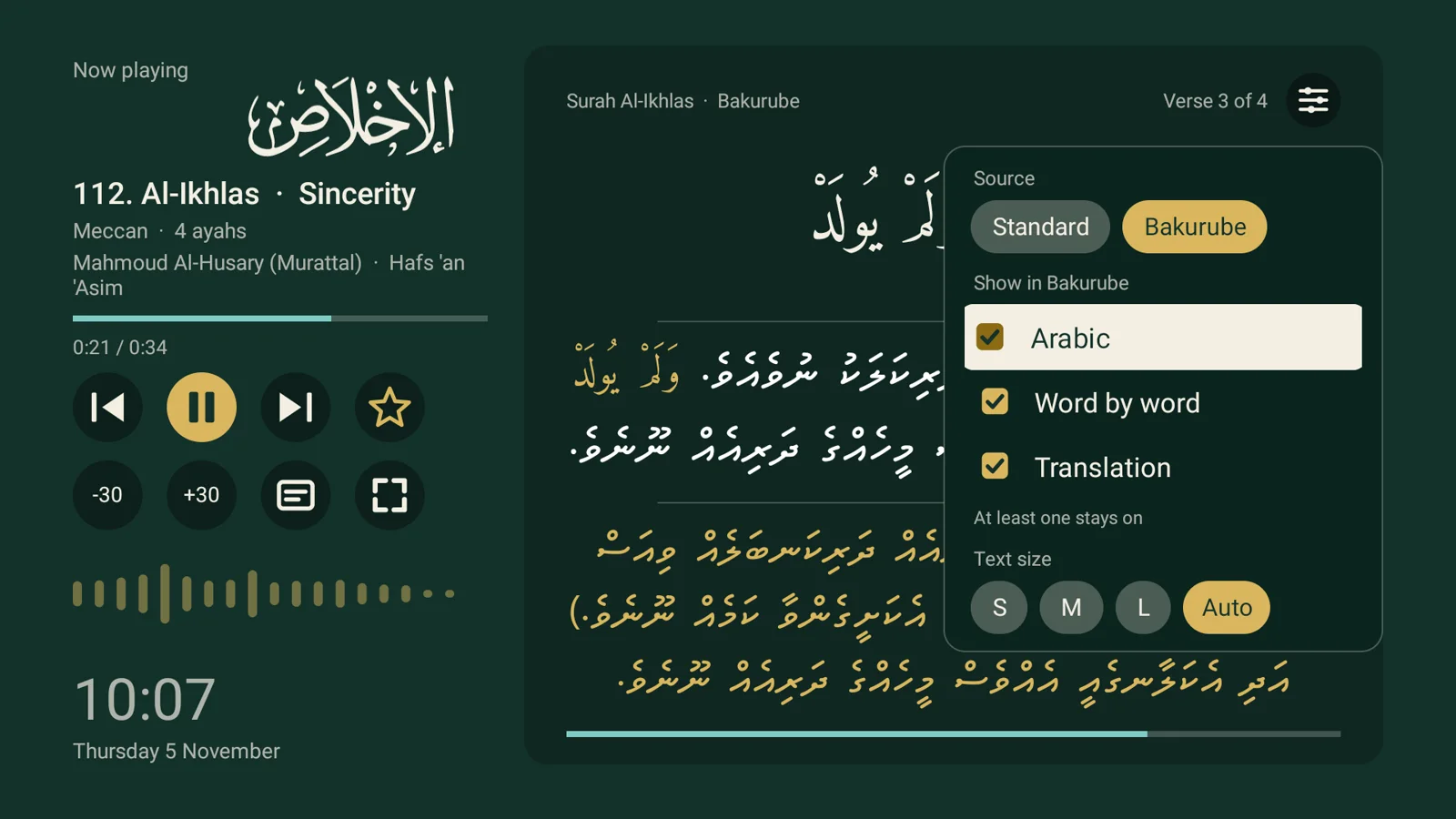
Tick Arabic, Dhivehi, English, or any mix. Choose Small, Medium, Large or Auto text. Go full screen to fill the TV.
Made for the remote
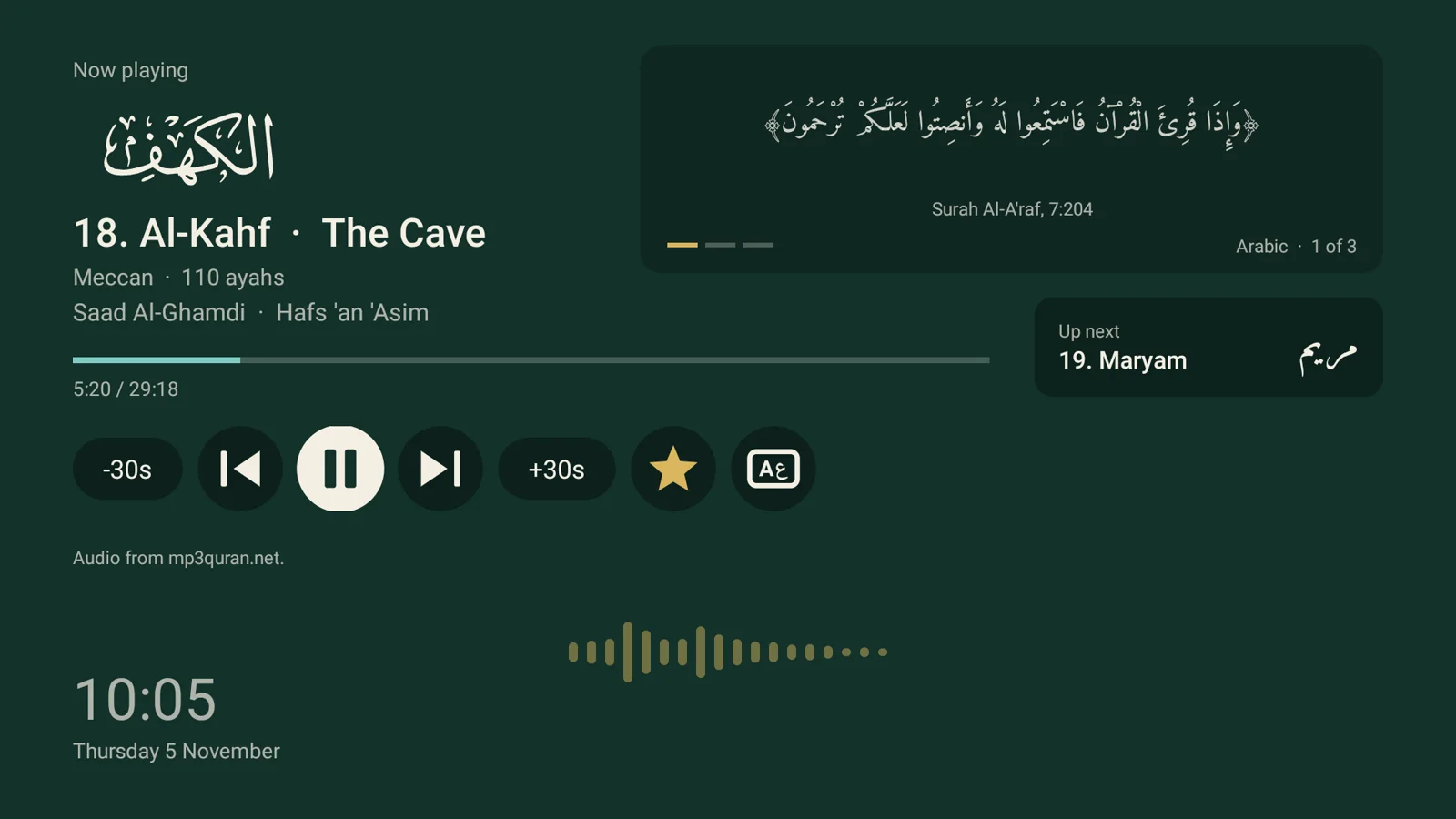
Favourites, a Continue listening card, type a surah number to jump, and big clear buttons. The sound bar moves with the recitation and goes still when it pauses.
Nothing to distract you
Surah names in calligraphy, an Arabic typeface made for the Quran, and a quiet clock in the corner. In the audio source there are no ads or recommendations, only the recitation.
50 reciters, one tap away.
Every recitation has all 114 surahs, and 49 of the 55 follow along verse by verse.
Read it in your language.
Arabic with Dhivehi and English built in. Download more in Settings, on the TV and in the web app, each in its own script. In the web app, word by word works in English and six more.
Gold ones are built in.
Understand every phrase, in Dhivehi.
Switch the source to Bakurube and each verse is laid out in three clear layers.
- The Arabic verse, large and easy to read.
- Word by word. Each Arabic phrase is shown in gold, followed by its meaning in white.
- The full translation, below a thin line, in gold.
Tick any layer on or off. You can show just the word-by-word, just the translation, or all three, and make it full screen for the whole room to read.

A closer look.
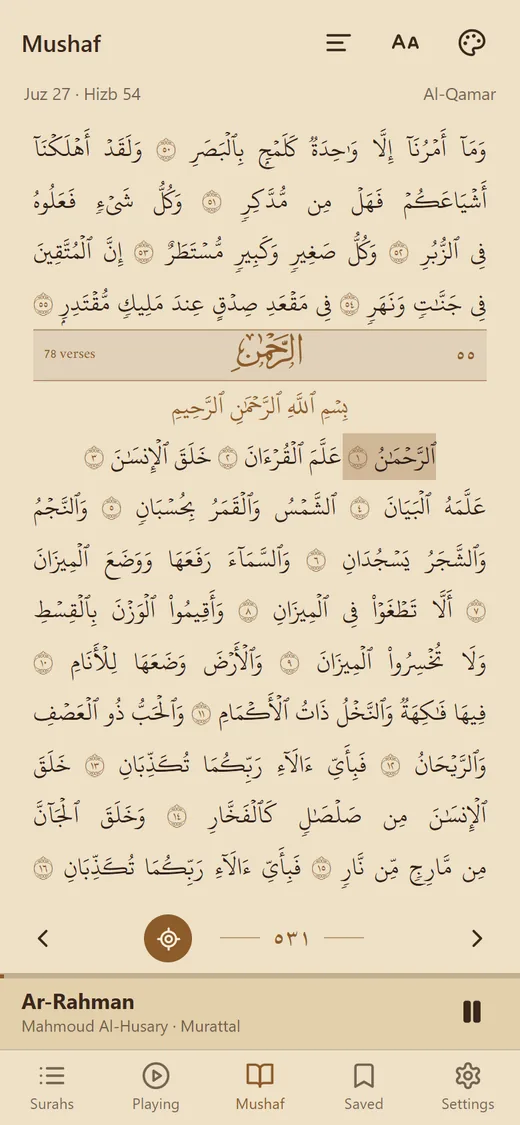
The same Quran, in your pocket.
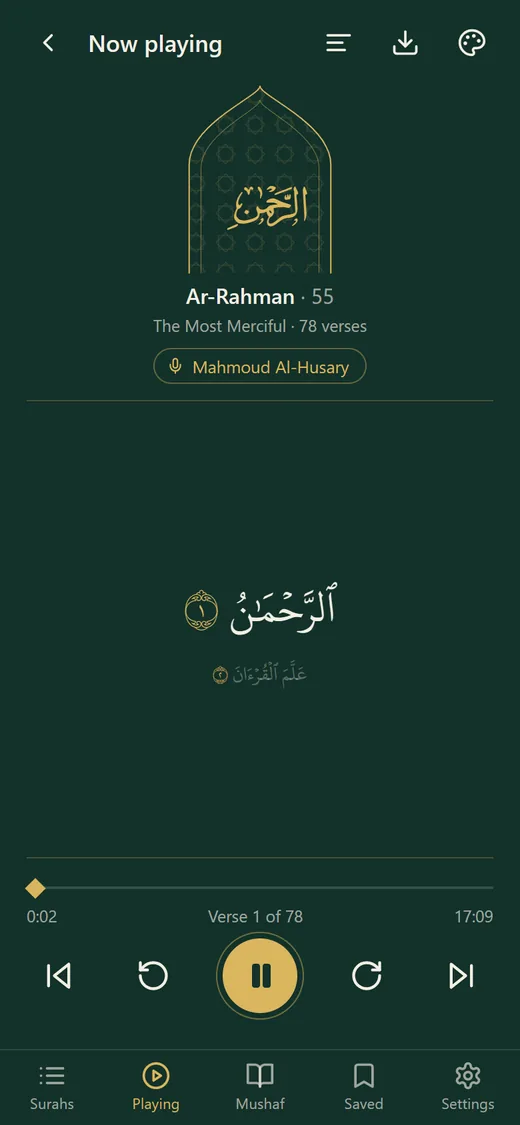
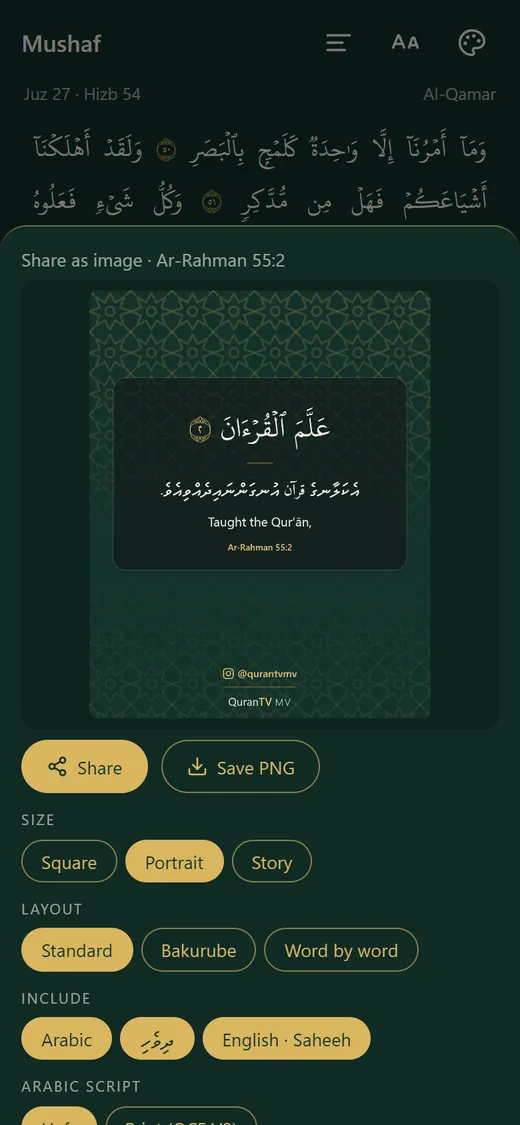
A Madinah Mushaf, 50+ reciters, three themes, and posters and videos you can share. Free in your phone's browser, no store needed.
Free for your TV and your phone.
QuranTV runs on Android TV, and as a web app on phones, tablets and computers. Built by Elikso.
Installing on Android TV
- Get the Downloader app.Free in your TV's app store. Search for "Downloader".
- Allow it to install apps.Settings, then Apps, then Install unknown apps, then switch on Downloader.
- Open Downloader and type the link.Press Go. The download takes a few seconds.
- Choose Install.If the TV warns about an unknown app, choose Install anyway. It is the app you were sent.
- Open QuranTV.Find it with your other apps. Pick a reciter and press play.